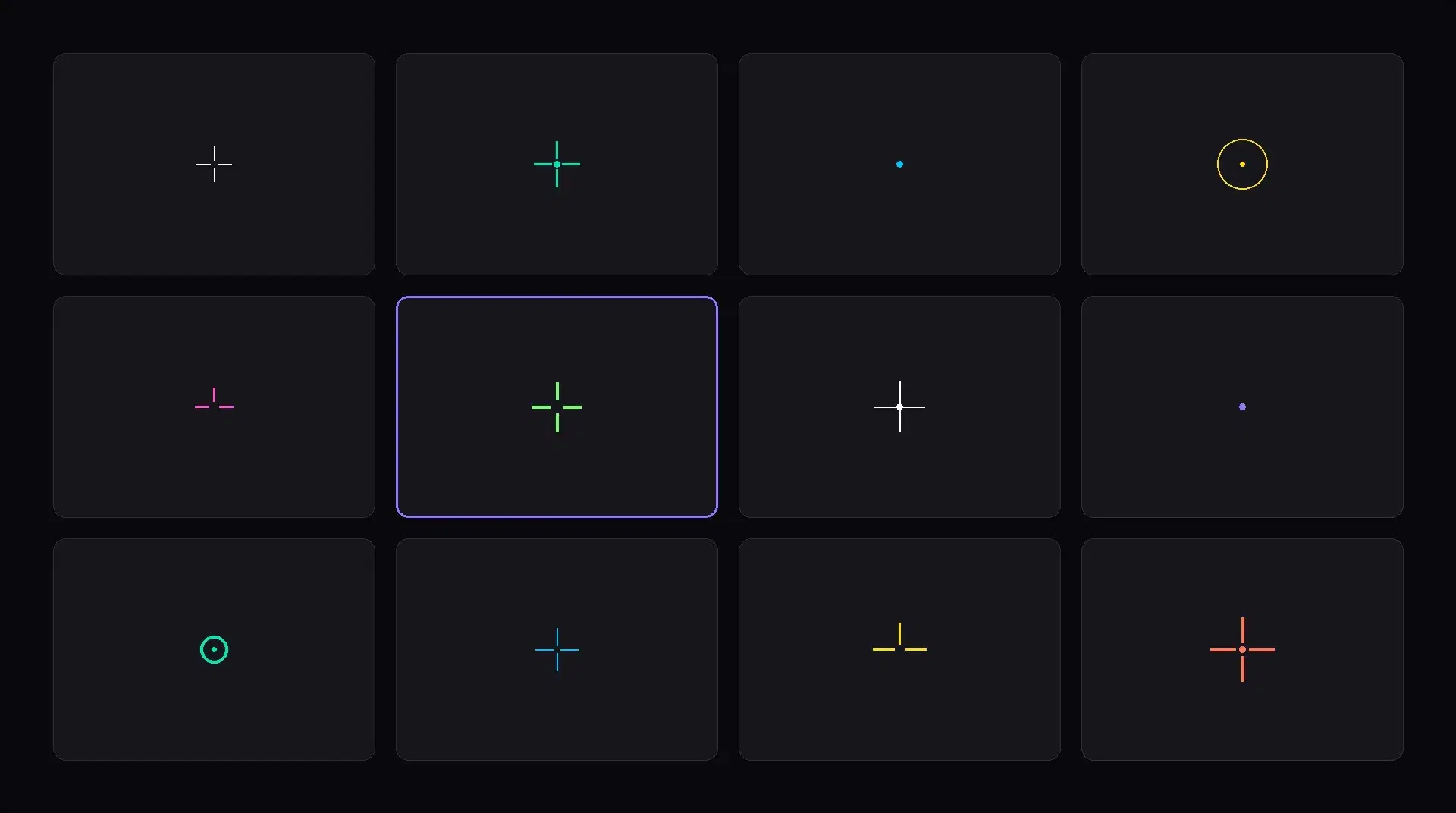
VALORANT lets you import a crosshair via a profile code, a short string that captures every crosshair setting in one line. Paste the code into Settings → Crosshair → Import Profile Code and you get the exact crosshair the source player uses.
This guide covers the import flow, then points to the regularly-maintained external sources for current pro codes, rather than embedding codes here that go stale by the time you read this. Pros change setups; published codes need to be fresh to be worth copying.
How to import a crosshair code
- Copy the crosshair code to your clipboard. The Ascend crosshair gallery has one-click copy on every code.
- Launch VALORANT and open Settings.
- Select the Crosshair tab.
- Click Import Profile Code (the button sits next to the Primary / ADS / Sniper Scope selectors).
- Paste the code into the dialog and click Import. The crosshair updates instantly.
Where to get current pro codes
Pro players change crosshair setups regularly; a code accurate in January 2026 may not be what they run today. Use sources that are actively maintained:
- ProSettings.net: the authoritative pro-settings database. Individual player pages (e.g. TenZ, aspas) include the current crosshair code, sensitivity, mouse, monitor, and full config. Updated frequently.
- The Ascend crosshair gallery: our community-curated database of public pro codes with one-click copy.
- Per-player VLR.gg pages: sometimes link to the player's current crosshair under their settings section.
When a code doesn't look right after importing
Three usual reasons:
- The code captures the Primary crosshair only. If a pro uses a different ADS or sniper-scope crosshair, that is a separate code per slot.
- The code is outdated. Check the source page's update date; pro setups drift.
- Resolution affects perceived size. A 1-pixel dot at 1080p reads differently at 1440p. Pro codes are usually tuned for the resolution that pro plays on.
Sources
Frequently asked
Where do I paste a VALORANT crosshair code?
Settings → Crosshair → Import Profile Code. The button sits at the top of the Crosshair tab, next to the Primary / ADS / Sniper Scope selectors.
Do crosshair codes work across regions?
Yes. Profile codes are client-side settings, not account data; they work identically on every server (Americas, EMEA, Pacific, China) and across PC and console.
Why does the imported crosshair look different from the pro's?
Three common reasons: (1) the code captures the Primary crosshair only, not the ADS or sniper variants; (2) the code is out of date (pro players change setups frequently); (3) your resolution or display scaling changes how thin lines render.
Can I share my own crosshair code?
Yes. Click the Export Profile Code button in the same Crosshair settings tab and you'll get a string you can paste anywhere. Codes contain only crosshair settings, no account data.