All ten players.
Every round.
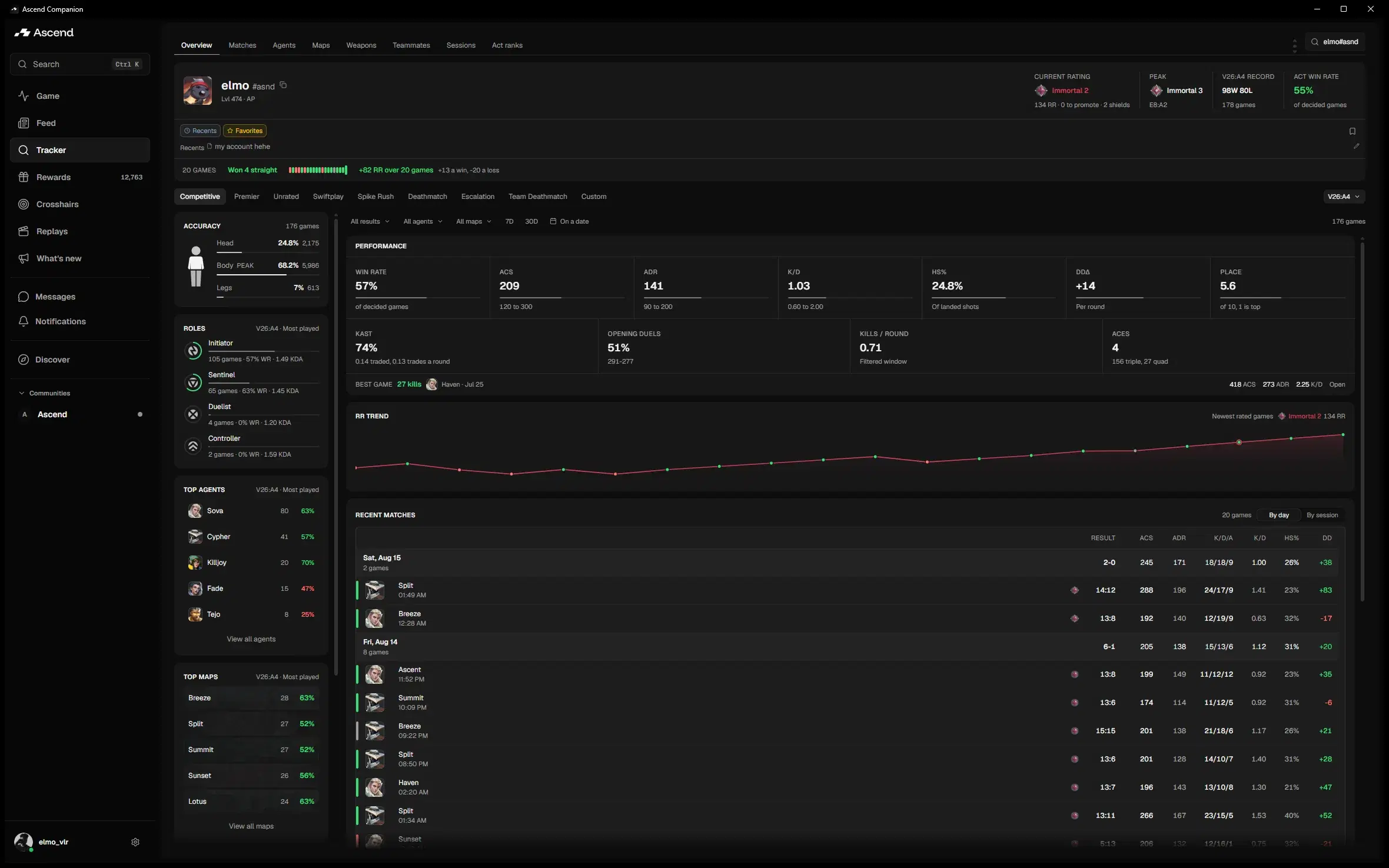
The full Ascend tracker, native on Windows. Break any match down round by round, head to head and by buy phase. Friends, crosshairs and a live match view come with it.
v0.2.39 · Windows 10/11 64-bit · 10,000+ downloads
Play a round back
This is Companion's replay screen, running here. Press play, scrub, step between rounds, toggle utility, paths and shots. Same code the app ships, on a real match.
Match detail deep enough to actually review
A scoreboard shows you how the match went. Companion shows you why, with the whole lobby in front of you.
The whole scoreboard
Every match, all ten players, both teams. Combat score, kills, deaths, assists and the rest of the line, for everyone in the lobby.


Round by round
How every round was won or lost, who traded, who was left in a 1v2.
Advanced stats
Derived from the full match data, not scraped off your own row.
Head to head
Your duels against one player across the whole match, both directions.


Economy
Buy phases, saves and force buys, for both teams, round by round.
It is not only the tracker
Friends
Who is online, what rank they are, and when they are in a game.
Live match
The game you are in as it happens, from agent select onward.
Crosshairs
Browse the gallery and copy any code straight into the game.
Rewards
Earn and redeem Ascend Credits without leaving the app.
Streamer mode
Anyone hiding their name in VALORANT stays hidden in Companion.
Your language
Companion follows your Windows language, or you set it by hand.
A minute, start to finish
Nothing to sign up for, and it keeps itself up to date after this.
- 01
Download
One small installer. Free, no account needed.
- 02
Run it
Windows may ask. Click More info, then Run anyway.
- 03
Open it
Search your own Riot ID and your matches are there.
Download · FAQ
Before you download
Cost, systems, the Windows prompt, languages, and how the app relates to the website.
Still have a question? Ask on DiscordStop reviewing
one row of the table.
Every round, every player, on your desktop. Free, auto-updating, and it works the moment it opens. No sign-up.
v0.2.39 · Windows 10/11 64-bit · 10,000+ downloads