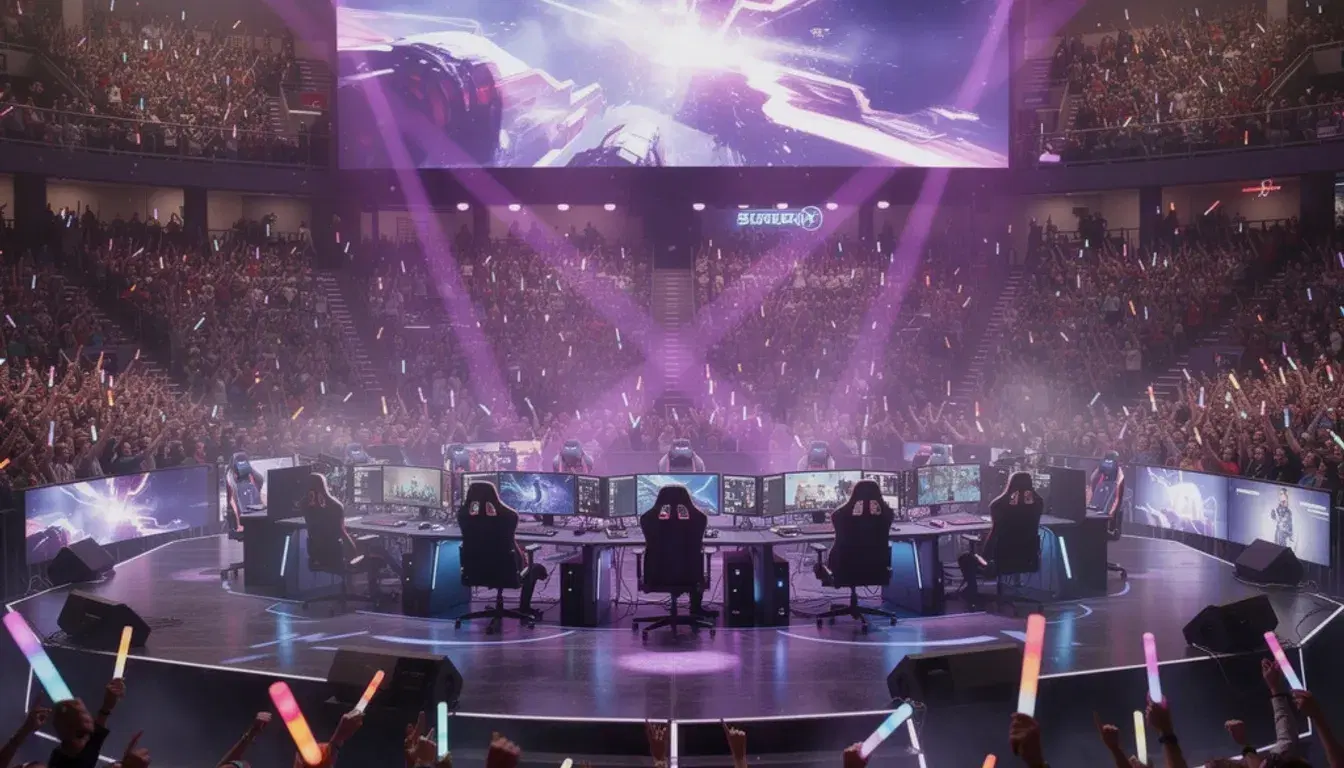
If you run a VALORANT Discord (a tournament server, a creator community, an org's public discord, a regional scrim hub) you already know the rhythm. The same five questions come in every day. Different members, same questions. Your mods answer them, get tired, miss some, mute the channel, and slowly disengage. The questions don't stop.
This piece is about the technical fix: a retrieval-grounded Discord answer bot, configured specifically for a VALORANT community. We walk through the five questions every VAL server gets, the four KB documents that handle 80% of them, and how the live Ascend AI VALORANT plugin covers the rest (live rank lookups, recent matches, esports schedule).
Why competitive-VALORANT servers are a special case
Two things make VAL servers different from a generic gaming community:
- The schedule is real and dense. VCT regions have weekly fixtures, scrim blocks happen nightly, tournaments run on weekends, Night Market opens at unpredictable times. "What time does this start?" is the single most common Discord question by volume, and the answer changes week to week.
- Personal stats matter to people. "What's my rank?", "What's my RR?", "What did I average in the last 10 matches?" These are questions members ask about themselves, in public, all the time. A bot that can't answer them is missing a third of the demand.
- Agent / map / role advice is high-frequency, low-stakes. "Who's good for Bind?" or "What's the standard duelist comp right now?" come in constantly and your mods aren't the right answerers; pros and content creators are. A reference doc plus an AI bot that quotes it correctly closes the loop.
The five questions every VAL Discord gets daily
The exact set varies by community, but in our observations of competitive-VALORANT servers, these five dominate by volume:
- When's the next event / match / scrim block? Schedule, time zones, sign-up links.
- What rank is X player? Asked about themselves ("what's my rank") and about pros ("what's TenZ's current rank").
- What are the server / tournament rules? Format, banned agents, banned maps, dispute process.
- How do I join scrims / matchmaking / the queue? Onboarding, opting in, role requirements.
- Agent / map / loadout advice. What's meta on Sunset right now, which controllers work on Lotus, etc.
The four KB documents every VAL community should have
If you have just these four documents in your Ascend AI knowledge base, you've covered the majority of incoming questions. Each one is short (200–600 words) and easy to keep current.
1. Server & tournament rules
A markdown doc covering:
- General server rules (no spam, no toxicity, no smurfing in matchmaking, etc.)
- Tournament-specific format (single elim vs double elim, BO1/BO3/BO5, overtime rules)
- Banned agents / maps for the current season's format
- Dispute process and the channel to use
- Penalty policy (no-shows, AFKs, slur usage)
Tag this doc rules in the dashboard. Update it whenever the meta or format changes. Members asking "is Gekko banned this season" get an immediate, correct answer.
2. Schedule & calendar
A doc listing:
- Recurring weekly events (scrim nights, matchmaking blocks, content streams)
- Upcoming tournament fixtures with dates + times (always include the time zone)
- Sign-up deadlines and links
- Quiet weeks / off-weeks so members know when nothing's on
3. Onboarding & how to join things
A doc covering the channel topology of your server: where to ask for scrims, how to sign up for the next tournament, what roles to react for, and how to link Riot ID (especially if you're using Ascend's VAL tracker).
This is the doc that pays for itself fastest. New-member churn drops noticeably once the bot can answer "how do I get into scrims" without a mod stepping in.
4. Meta / loadout reference
Optional but high-engagement. A doc with:
- Current strong agents per map (cite a pro source like VLR or a creator)
- Common controller / duelist / sentinel comps
- Notes on the current patch (anything recently buffed/nerfed)
- Crosshair starter pack: link to the crosshair gallery
Refresh this monthly or after major patches. Tag it meta. Members asking "who's good on Bind" get a structured answer instead of a Reddit-style opinion thread.
Live data: the VALORANT plugin tier
Static KB documents handle four of the five top questions. The fifth, personal stats, needs live data. Ascend AI's VALORANT plugin pulls:
- Account info: current rank, RR, peak rank, lifetime stats, by Riot ID.
- Recent matches: last N matches with maps, agents, and scores.
- VCT schedule: live fixtures, recent results, team standings.
- Agent / map reference: abilities, role tags, current map pool.
With the plugin on, a member typing "what's my rank?" in a whitelisted channel gets a current, correct answer, pulled at the moment of the question, not from a cached profile. "What's TenZ's rank?" works too. "When do Sentinels play next?" works.
The plugin is a paid add-on per server, separate from your base Ascend AI plan. Pricing is in the docs.
What changes for your mods
The before/after for a typical VAL community manager:
- Before: 30 to 80 daily mod replies to repeat questions. Schedule explainers in five different time zones. Re-pasting tournament rules. Manually looking up someone's rank on a tracker site to settle a flex argument.
- After: The bot handles the schedule, rules, onboarding, and live rank lookups. Mods handle disputes, edge cases, and the people-side of the community: the work actually worth a human's attention.
Getting started for a VAL community
A reasonable sequence for the first day:
- Install Ascend AI from the dashboard, about 60 seconds.
- Paste your existing FAQ or rules doc into the Knowledge tab. Even one short doc is enough to start.
- Whitelist one channel (we recommend
#helpor#ask-the-bot). - Set the personality to
directif you're a competitive org,casualfor a creator community. - Enable the VALORANT plugin if you'll be answering rank/match questions.
- Watch the Overview tab the next day. Add KB docs for any question the bot punted on.
The full setup is documented in the Ascend AI docs. The first 14 days are free, no card.
Frequently asked
Will the bot work for a non-English VAL community?
Ascend AI replies in the language the asker writes in, grounded in whatever language your KB docs are written in. So a Spanish-speaking server with Spanish KB docs gets Spanish answers; a Japanese server with mixed JA/EN docs works fine. The VALORANT plugin returns rank/match data in a language-agnostic format the bot translates as needed.
Can the bot enforce server rules, or just answer questions about them?
Just answer. Ascend AI is a support / Q&A bot; it doesn't moderate (no kick, ban, or role assignment). For rule enforcement, pair it with a dedicated moderation bot like MEE6 or Wick. The two roles are intentionally separate; a moderation bot doing both is usually worse at each.
What about tournament bracket management, does Ascend AI handle that?
No, that's a different category of tool. Battlefy, Toornament, or Ascend's own /tournaments page handle bracket logic. Ascend AI answers questions about your tournament (format, schedule, sign-up link) but doesn't run the bracket. The two integrate well: members ask the bot "how do I sign up?" and get a link to the bracket platform.
Does the VALORANT plugin work with all regions?
Yes: North America, EU, LATAM, Asia, Korea. The plugin queries the same data source the Ascend VALORANT tracker uses, which covers every region Riot publishes.
How does this compare to Sapphire, Statbot, or other Discord stats bots?
Those bots are great at one thing each: Sapphire for server moderation features, Statbot for member engagement charts. None of them answer questions. Ascend AI fills the Q&A layer specifically; the others fill different layers. Most healthy VAL servers run two or three bots in combination.