
VALORANT crosshairs
VALORANT crosshair codes.
Pro and community VALORANT crosshair codes, previewed before you import them. Copy one, then paste it into Settings, Crosshair, Import Profile Code.
- Crosshairs
- 1,390
- Pro codes
- 154
- Pro pages
- 50
- Teams
- 25
Counted from the gallery, 19 Nov 2026.

 Sentinels · 1.6K copies


VALORANT crosshair codes
Pro and community, most copied first
1,130 crosshairs

T7SEN's + crosshair
by t7sen
2 copies
jacky
by clove
2 copies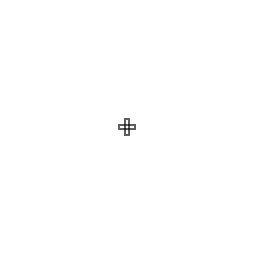
zuk0 cross
by zuk0
2 copies
Hollow dot
by kyri_005
2 copies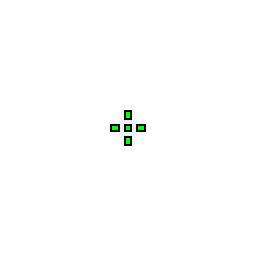
JASONR
JASONR · Plus
2 copies
Plus with center dot Green
by d3f3nd3r_
2 copies
Aimbot
by bd0m
2 copies
Small green
by extinks
2 copies
LuenGod Dot
by LuenGodSsj
2 copies
Light Speed
by harzzit567
2 copies
Vex
by y_jexx
2 copies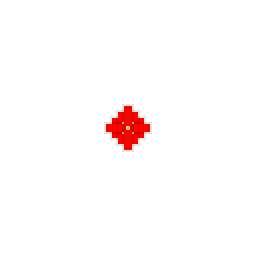
Big heart
by kabbodhor
2 copies
xaptos
by xaptos
2 copies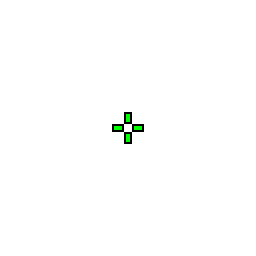
Zest
Zest · Plus
2 copies
Shine
by ravenx3_
2 copies
Fat Outlined Cross
by kxmr
2 copies
my own cross 1
by ryoko_lisarista
2 copies
Pro Crosshair
by sa1_exe
2 copies
Mine
by they_call_me_life
2 copies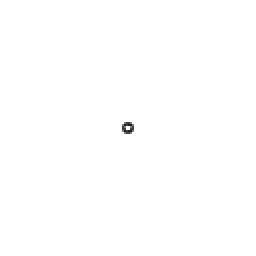
KAi
by xokaii03
2 copies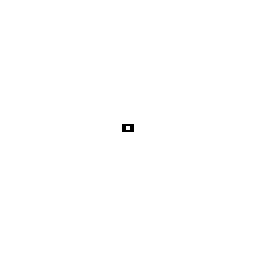
1tap
by itsdeniz22
2 copies
white onion
by yurina
2 copies
shike
by shike008
2 copies
aura crosshair
by ryubik
2 copies
Adding your own crosshair comes with Ascend accounts.
Teams
Run what a team runs.
Every pro on a team with a page, side by side.
Import
Four steps, about a minute.
Crosshair codes are a built-in VALORANT feature. No third-party software touches the game.
- 01
Copy the import code
Click Copy on any card in Ascend's gallery. The full import string lands on your clipboard, ready to paste.
- 02
Open VALORANT settings
Launch VALORANT, press Escape, and open Settings. Switch to the Crosshair tab in the top navigation bar.
- 03
Open the import dialog
On the Crosshair tab, click Import Profile Code at the top right. A small text field opens, ready for a code.
- 04
Paste and import code
Paste the code (Ctrl+V or Cmd+V) and click Import. VALORANT applies color, outline, dot and lines instantly.
- Copy
- Settings
- Crosshair
- Import
Questions
Questions about crosshair codes.
How do I import a crosshair code in VALORANT?
Copy a code from the gallery. In VALORANT, open Settings, go to the Crosshair tab, click Import Profile Code, paste the code and click Import. It applies to the profile you have selected.
Is using someone else's crosshair code allowed?
Yes. Import Profile Code is built into the game, and a code only holds the game's own crosshair settings. Nothing else is installed and nothing touches the game.
Where do the pro crosshairs come from?
Ascend curates them from settings the players have shared publicly. A pro's page shows the code we have on file and the date it was added. Players change crosshairs, so check the date.
What does Most copied mean?
The gallery counts every time someone copies a code from it. The default view and the Popular view sort by that count, so the codes people actually use rise to the top.
Why does the preview look different from my game?
The preview is drawn from the code at a fixed size and zoomed so small crosshairs are readable. In the game the crosshair scales with your resolution, so it can look smaller or thinner.
Can I add my own crosshair?
Not yet. Adding your own comes back with Ascend accounts. Until then the gallery is read-only, and every code in it can be copied without an account.