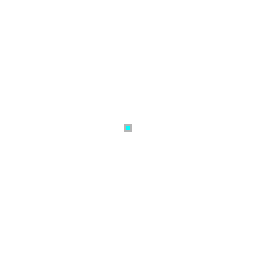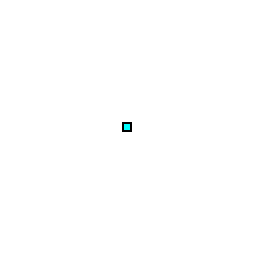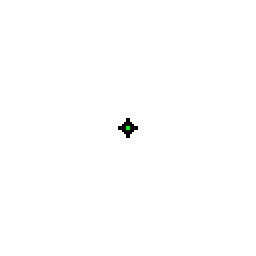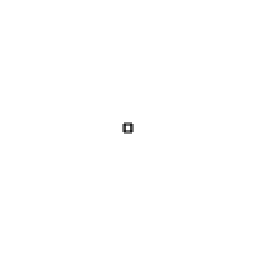
Drawn from the code and zoomed in. In the game it scales with your resolution.
Community crosshair · Dot
Not Here dot 02
Shared by not_here4u in the Ascend community.
f*** the policeeeee
Import code
0;p;0;s;1;P;c;2;h;0;d;1;z;1;0b;0;1b;0;A;d;1;0l;1;0v;1;0o;1;0f;0;1b;0;S;s;1.001- Shape
- Dot
- Copied
- 163 copies
- Added
- Mar 21, 2026
Adding your own crosshair comes with Ascend accounts.
Import
Four steps, about a minute.
- 01
Copy the import code
Click Copy on any card in Ascend's gallery. The full import string lands on your clipboard, ready to paste.
- 02
Open VALORANT settings
Launch VALORANT, press Escape, and open Settings. Switch to the Crosshair tab in the top navigation bar.
- 03
Open the import dialog
On the Crosshair tab, click Import Profile Code at the top right. A small text field opens, ready for a code.
- 04
Paste and import code
Paste the code (Ctrl+V or Cmd+V) and click Import. VALORANT applies color, outline, dot and lines instantly.
- Copy
- Settings
- Crosshair
- Import
Related