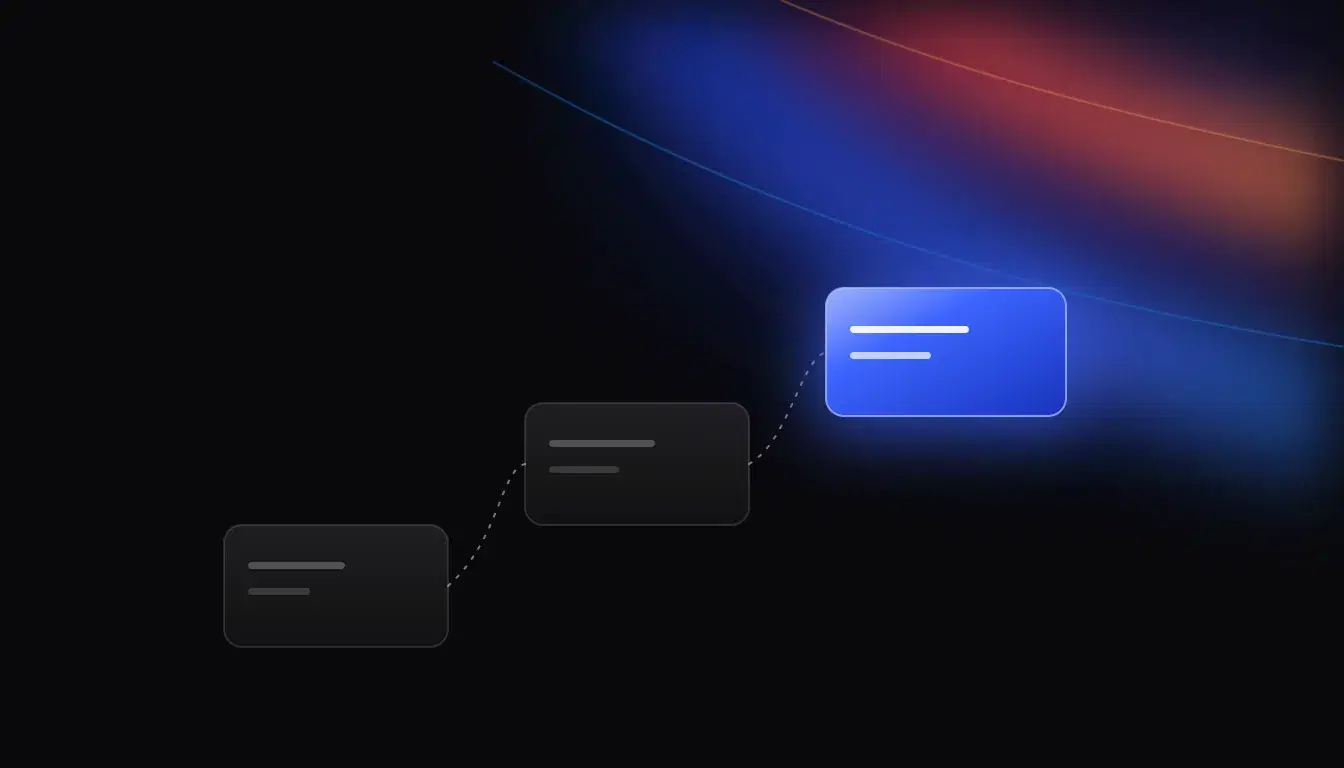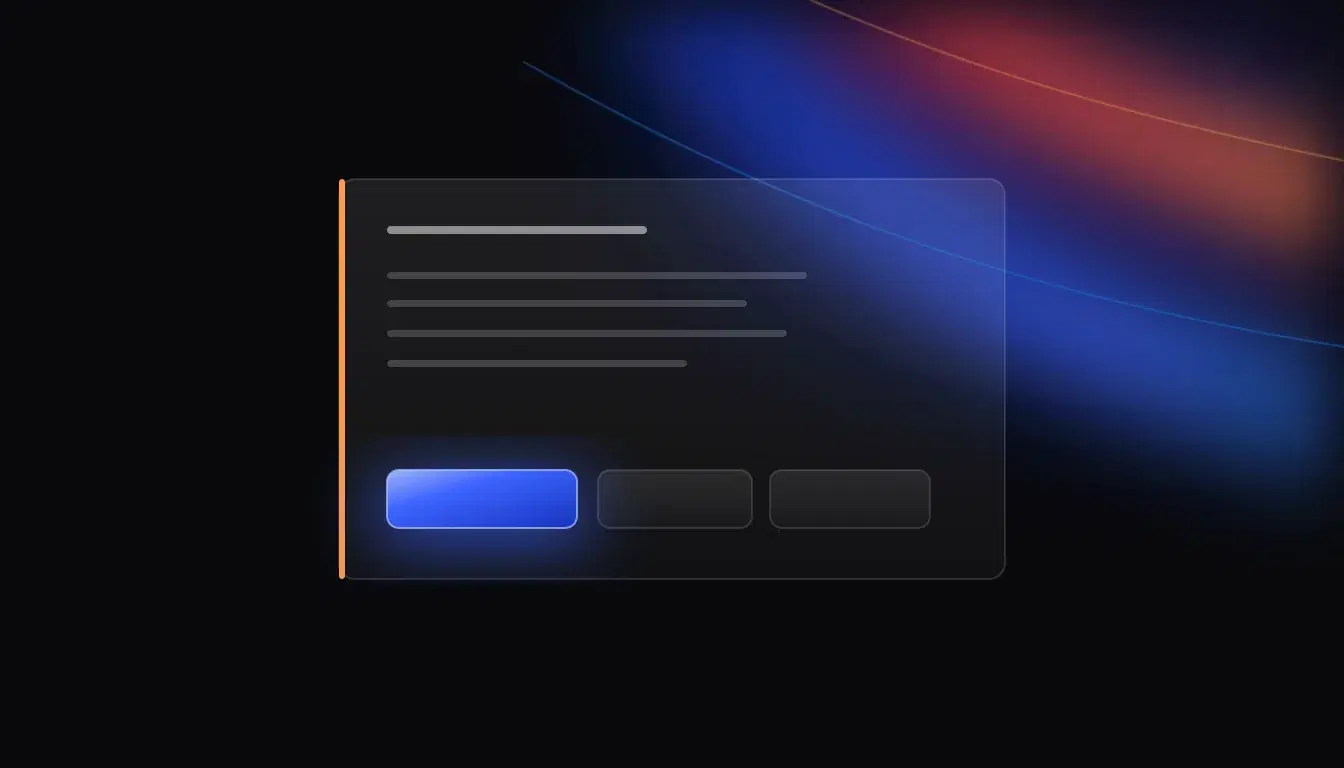
The worry with AI moderation is simple: a model reads a joke as a threat and bans someone, and you find out from an angry DM. Ascend AI's moderation is built so that can't happen on its own. The AI recommends. A person decides. The only things that act without a click are rules you set to enforce yourself, and even those start in dry run.
This post walks through exactly what happens between a flagged message and an action, as the bot does it today. Moderation is an opt-in module in Ascend AI; answering questions is the core, and none of this runs until you switch it on.
What does the AI moderation copilot actually do?
It flags likely rule-breaking messages to your mod channel with a recommended action. It never acts on its own. That sentence is the module's description on the dashboard, and it is how the code is written: the AI's output is a recommendation for a person to decide on, never an action.
Flags come from two places. Policy rules you write, each with a matcher (a keyword or phrase, invite links, caps, mention spam or repeated messages) and a recommended action (warn, time out, kick or ban). And the AI, which looks at messages that trip a cheap first check and decides whether it's a genuine violation in context. It is tuned to stay quiet when in doubt: banter and in-context swearing are not meant to be flagged, and if the model call is slow or fails, nothing is flagged.
What is on a review card?
Each flag becomes a card in your mod channel. The title says where it came from: "AI flag: time out recommended", "Rule match: warn recommended", or a dry-run notice (more on that below). The card shows:
- Member: who sent it.
- Message: a short excerpt with a jump link to the original. Mass pings and mentions in the excerpt are neutralised so the card can't ping anyone.
- Flags: the categories, with the model's confidence where there is one.
- Why: the reason given for the flag.
- History: how many times this member has been flagged, confirmed and dismissed recently, and a repeat-offender line when it applies.
What do Confirm, Dismiss and Escalate do?
- Confirm runs the recommended action as the mod who clicks. Their permissions are checked against live Discord state at the moment of the click, so a mod who can't ban in Discord can't ban through the card either. For a delete, Confirm removes every flagged message on the card.
- Dismiss records the flag as not a violation. Dismissals are your false positives; the dashboard counts them so you can tune the rules that collect them.
- Escalate pings a role you choose (Escalate pings on the dashboard) and marks the card as waiting on a senior mod. Confirm and Dismiss stay on the card for them. With no role set, Escalate is off.
A few rules hold for every card:
- Nobody can decide a card about themselves.
- A rejected click is answered privately and leaves the card as it was.
- A card older than seven days can't be confirmed from Discord any more.
- Every flag and decision is recorded, and flags and decisions are kept for 180 days.
What is dry run, and why is it on by default?
Some servers want certain rules to act on their own: a slur list, say, where the message should disappear without waiting for a mod. That is the Auto-enforcement module. A rule set to enforce deletes the matching message and logs a case. It never times out, kicks or bans on its own; those stay with staff. The server owner, admins and bots are never acted on; their matches go to staff as a recommendation.
Dry run sits on top of that. With dry run on, cards are posted and nothing acts on its own, even rules set to enforce. Instead of deleting, an enforcing rule posts a card titled "Dry run: a rule would have deleted this message", and the card says Ascend AI took no action on its own. You see exactly what the rule would have done, on real messages, before you let it do it.
Dry run is on for a new setup. Until you change it yourself, it follows the Auto-enforcement module: off while auto-enforcement is on, on otherwise, so turning on the review queue never quietly changes what an existing server enforces. When you're happy with what the dry-run cards show, switch it off in the Review queue settings.
How does it keep the mod channel from flooding?
Two mechanisms. First, repeat flags of the same member fold into one open card instead of posting new ones. The window is yours to set (Fold repeat flags for, from one minute to an hour). The card counts the flags, keeps every flagged message, and the recommended action only ever moves up in severity, never down.
Second, there is a cap on new cards per server in a short window. Past it, flags are still recorded, and one overflow notice is posted rather than a card for each.
Can mods moderate by chat as well?
Yes. Admins can ask Ascend AI in plain words to warn, time out, kick, ban, purge, set slowmode or lock a channel. A high-risk action (a kick, a ban, a purge, a lockdown) is not run straight away: the bot posts a summary with Confirm and Cancel, only the person who asked can press them, and their permissions are checked again at the click. The manage-by-chat docs list what it can do.
If you want members told why, Moderation DM notices sends a member the reason when staff time them out, kick, ban or jail them.
What permissions does moderation need?
More than the standard install, and only when you switch it on. The four standard permissions let the bot read and answer. The moderation copilot also needs Manage Messages and Moderate Members, and Discord grants those only through a second consent screen. The module's card says so and offers Grant permissions; nothing extra is granted until you approve it. The copilot also needs a mod channel, because that is where every card is delivered.
How should a server roll it out?
- Set a mod channel, and a senior-mod role for Escalate.
- Switch on AI moderation copilot and grant its permissions.
- Write a few policy rules, all set to recommend.
- Read the cards for a week. Dismiss what's wrong and adjust the rules that collect dismissals.
- If a rule should act on its own, switch on Auto-enforcement, set that rule to enforce, and leave dry run on until its dry-run cards look right.
- Then turn dry run off.
Moderation is one part of the bot. For the rest, see one bot instead of five, or start with the Ascend AI docs.
Questions
Does Ascend AI's AI moderation ban people on its own?
No. The AI moderation copilot only recommends: each flag becomes a card in your mod channel, and an action runs only when a mod presses Confirm. The only automatic action is from Auto-enforcement, where a rule you set to enforce deletes the matching message; it never times out, kicks or bans on its own.
What is dry run in Discord moderation?
In Ascend AI, dry run means rules set to enforce post a review card saying what they would have done instead of doing it. It is on by default for a new setup, so you can check a rule against real messages before letting it act.
Who can press Confirm on a review card?
A moderator whose live Discord permissions allow the recommended action, checked at the moment of the click. Nobody can decide a card about themselves, and a card older than seven days can't be confirmed from Discord.
What does Escalate do?
It pings the role you chose under Escalate pings and marks the card as waiting on a senior mod, who can still Confirm or Dismiss it. With no role set, Escalate is off.
Is moderation on by default?
No. Moderation modules are off until you switch them on, and the ones that act in your server ask for extra permissions through a second Discord consent screen.