
VALORANT crosshairs
A pro's crosshair, one click.
Pro and community VALORANT crosshair codes, previewed before you import them. Copy one, then paste it into Settings, Crosshair, Import Profile Code.
- Crosshairs
- 1,390
- Pro codes
- 154
- Pro pages
- 50
- Teams
- 25
Counted from the gallery, 8 Nov 2026.

 Sentinels · 1.5K copies


Newest crosshair codes
Everything, newest first
1,390 crosshairs

Aizen
by digu
0 copies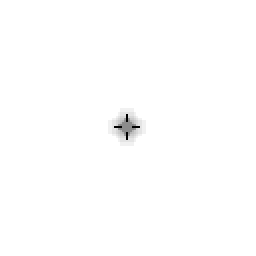
gemini ah crosshair
by light
0 copies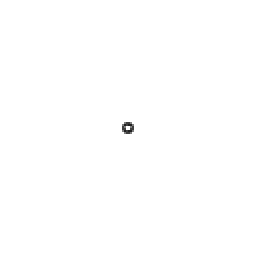
small dot
by xou
0 copies
Sakura Dot
by arc
1 copyTenZ
by lin
0 copies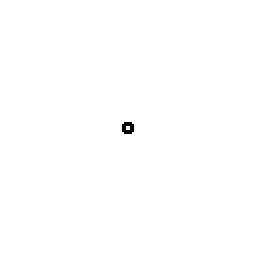
snnorlaax
by snnorlaax
1 copydot cross basic
by iksuth
1 copy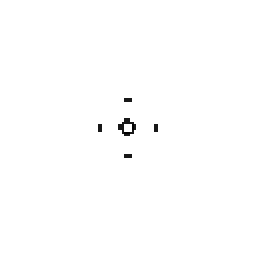
eyes Heavy point
by eyes
1 copy
Rade
by rade
7 copies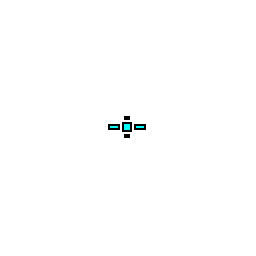
uhhh idk tbh
by poisonvsnow
2 copies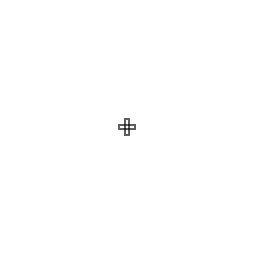
Plus
by gamerthejacker
0 copies
star plus
by piyush
1 copy
Dark crosshair
by rayzius
2 copies
Andi crosshair
by zypher_exe
1 copy
Pookie
by itachi
3 copies
Aim X
by al3x_vlr
1 copy
chamber main
by godboss
1 copy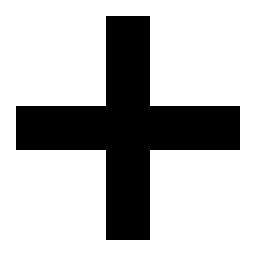
A
by olafs
2 copiesTen z
by jrakshit737
0 copies
aspas
by tozic
1 copy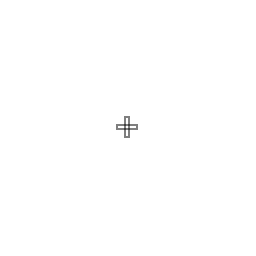
Motionless
by pokeboy567
1 copy
Main
by ashenfallen
1 copy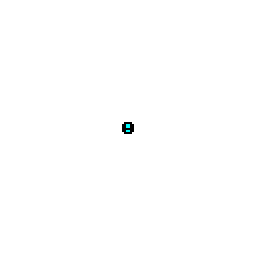
Twitter dot
by extinks
2 copies
Dot best
by darknova
0 copies
Adding your own crosshair comes with Ascend accounts.
Teams
Run what a team runs.
Every pro on a team with a page, side by side.
Import
Four steps, about a minute.
Crosshair codes are a built-in VALORANT feature. No third-party software touches the game.
- 01
Copy the import code
Click Copy on any card in Ascend's gallery. The full import string lands on your clipboard, ready to paste.
- 02
Open VALORANT settings
Launch VALORANT, press Escape, and open Settings. Switch to the Crosshair tab in the top navigation bar.
- 03
Open the import dialog
On the Crosshair tab, click Import Profile Code at the top right. A small text field opens, ready for a code.
- 04
Paste and import code
Paste the code (Ctrl+V or Cmd+V) and click Import. VALORANT applies color, outline, dot and lines instantly.
- Copy
- Settings
- Crosshair
- Import
Questions
Questions about crosshair codes.
How do I import a crosshair code in VALORANT?
Copy a code from the gallery. In VALORANT, open Settings, go to the Crosshair tab, click Import Profile Code, paste the code and click Import. It applies to the profile you have selected.
Is using someone else's crosshair code allowed?
Yes. Import Profile Code is built into the game, and a code only holds the game's own crosshair settings. Nothing else is installed and nothing touches the game.
Where do the pro crosshairs come from?
Ascend curates them from settings the players have shared publicly. A pro's page shows the code we have on file and the date it was added. Players change crosshairs, so check the date.
What does Most copied mean?
The gallery counts every time someone copies a code from it. The default view and the Popular view sort by that count, so the codes people actually use rise to the top.
Why does the preview look different from my game?
The preview is drawn from the code at a fixed size and zoomed so small crosshairs are readable. In the game the crosshair scales with your resolution, so it can look smaller or thinner.
Can I add my own crosshair?
Not yet. Adding your own comes back with Ascend accounts. Until then the gallery is read-only, and every code in it can be copied without an account.