
VALORANT crosshairs
A pro's crosshair, one click.
Pro and community VALORANT crosshair codes, previewed before you import them. Copy one, then paste it into Settings, Crosshair, Import Profile Code.
- Crosshairs
- 1,390
- Pro codes
- 154
- Pro pages
- 50
- Teams
- 25
Counted from the gallery, 8 Nov 2026.

 Sentinels · 1.5K copies


Community favourite crosshairs
Community codes, most copied first
1,236 crosshairs
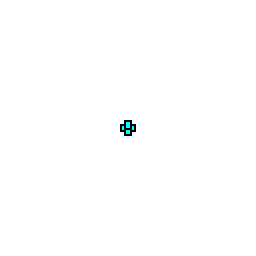
Marteen
by EtoShou
263 copies
CS1.5
by nehaberk
250 copies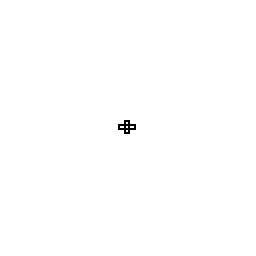
Aspas Plus
by st_vlr
227 copies
Jawgemo
by elmo
188 copies
Less
by st_vlr
186 copies
RAYYYYYYY
by rayyyyyyy_xd
185 copies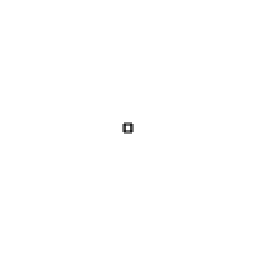
Not Here dot 02
by not_here4u
163 copies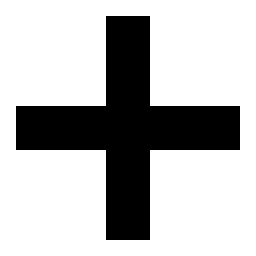
jesus
by KobeTroll
160 copies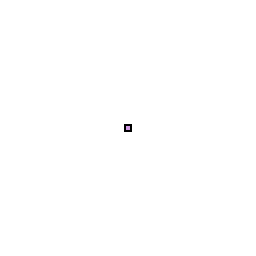
Zekken
by st_vlr
152 copies
papapap
by javxfps
145 copies
4 Crosshair
by Abhi9x
140 copies
Not Here Dot
by not_here4u
127 copies
stretch
by franklin
123 copies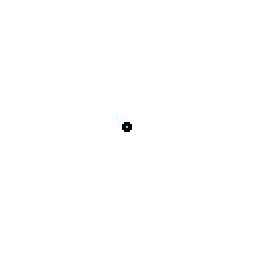
big dot
by kurayami
115 copies
ST
by st_vlr
112 copies
1211
by kurayami
101 copies
Primmie
by st_vlr
101 copies
Donk
by kurayami
101 copies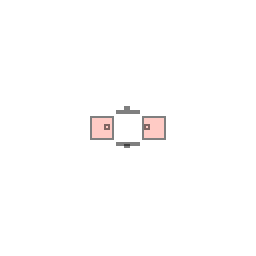
kobe 2
by KobeTroll
96 copies
chini's
by chinihuay
96 copies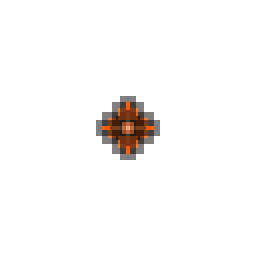
Flower
by Zeus
96 copies
hair
by Boculum
92 copies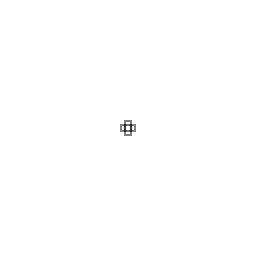
Primmie MAIN
by DanteVLR
80 copies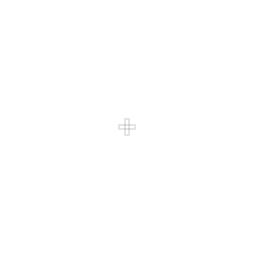
Dep
by st_vlr
78 copies
Adding your own crosshair comes with Ascend accounts.
Teams
Run what a team runs.
Every pro on a team with a page, side by side.
Import
Four steps, about a minute.
Crosshair codes are a built-in VALORANT feature. No third-party software touches the game.
- 01
Copy the import code
Click Copy on any card in Ascend's gallery. The full import string lands on your clipboard, ready to paste.
- 02
Open VALORANT settings
Launch VALORANT, press Escape, and open Settings. Switch to the Crosshair tab in the top navigation bar.
- 03
Open the import dialog
On the Crosshair tab, click Import Profile Code at the top right. A small text field opens, ready for a code.
- 04
Paste and import code
Paste the code (Ctrl+V or Cmd+V) and click Import. VALORANT applies color, outline, dot and lines instantly.
- Copy
- Settings
- Crosshair
- Import
Questions
Questions about crosshair codes.
How do I import a crosshair code in VALORANT?
Copy a code from the gallery. In VALORANT, open Settings, go to the Crosshair tab, click Import Profile Code, paste the code and click Import. It applies to the profile you have selected.
Is using someone else's crosshair code allowed?
Yes. Import Profile Code is built into the game, and a code only holds the game's own crosshair settings. Nothing else is installed and nothing touches the game.
Where do the pro crosshairs come from?
Ascend curates them from settings the players have shared publicly. A pro's page shows the code we have on file and the date it was added. Players change crosshairs, so check the date.
What does Most copied mean?
The gallery counts every time someone copies a code from it. The default view and the Popular view sort by that count, so the codes people actually use rise to the top.
Why does the preview look different from my game?
The preview is drawn from the code at a fixed size and zoomed so small crosshairs are readable. In the game the crosshair scales with your resolution, so it can look smaller or thinner.
Can I add my own crosshair?
Not yet. Adding your own comes back with Ascend accounts. Until then the gallery is read-only, and every code in it can be copied without an account.